Step 1
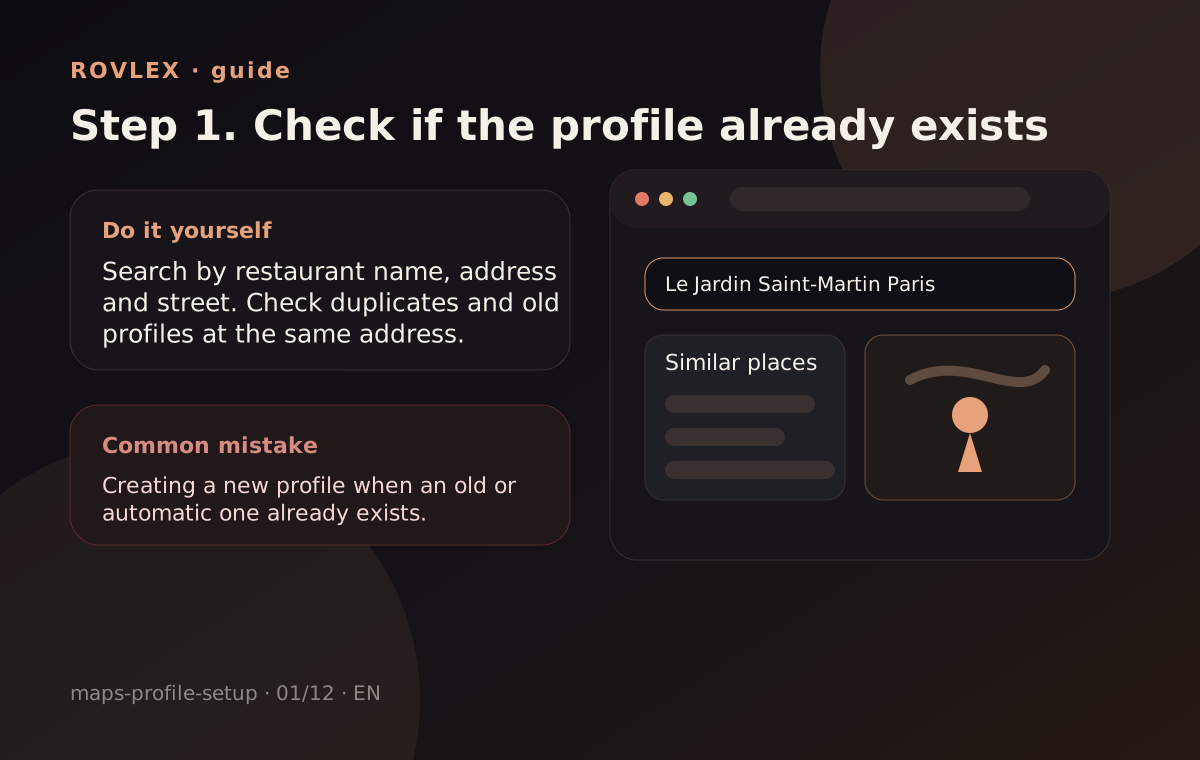
Check for duplicates
Search for an existing profile with a similar name and address. Duplicates split ratings and confuse customers.
Where people go wrong
Common mistake: creating a second listing instead of claiming the existing one.
Set up the core listing fields, photos, categories and review path — or order done-for-you setup from ROVLEX.
Each step includes what to do, a neutral mockup and where businesses usually slip up. No copied platform UI — just the workflow.
Step 1
Search for an existing profile with a similar name and address. Duplicates split ratings and confuse customers.
Where people go wrong
Common mistake: creating a second listing instead of claiming the existing one.
Step 2
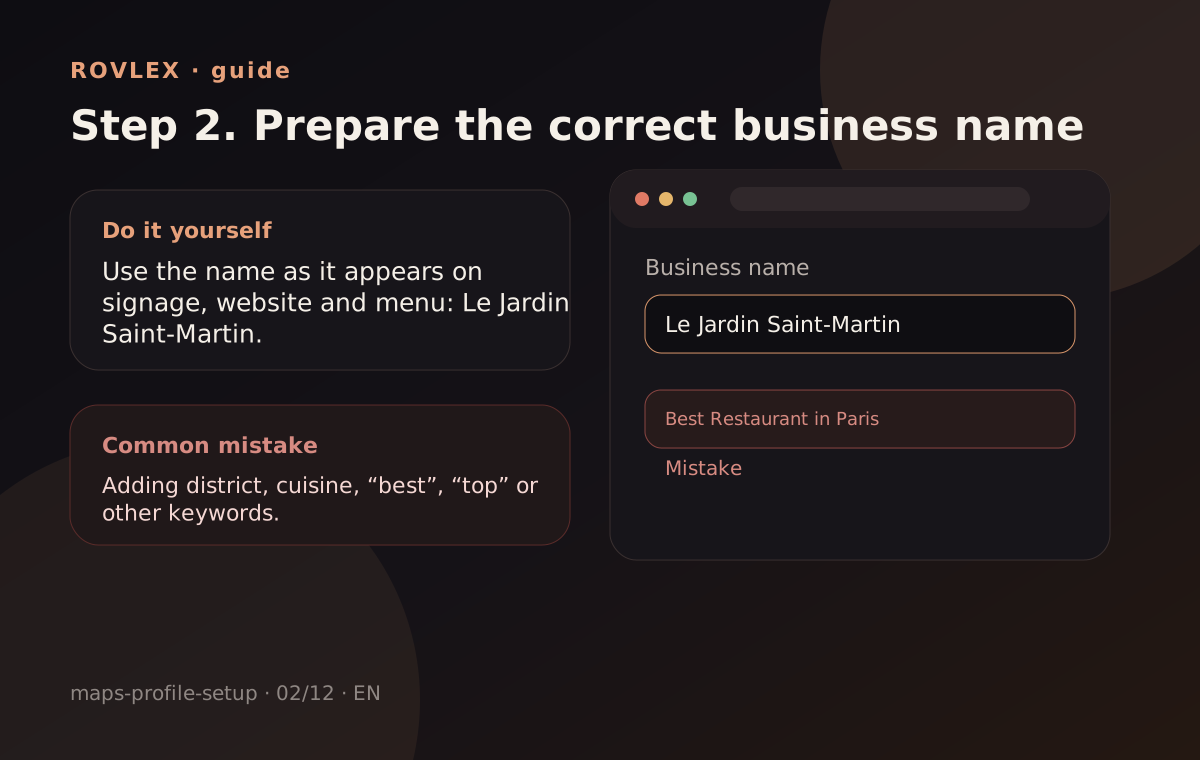
Use a recognizable name without keyword stuffing. Example: Le Jardin Saint-Martin — not “best restaurant Paris”.
Where people go wrong
Keyword-stuffed names often fail moderation.
Step 3
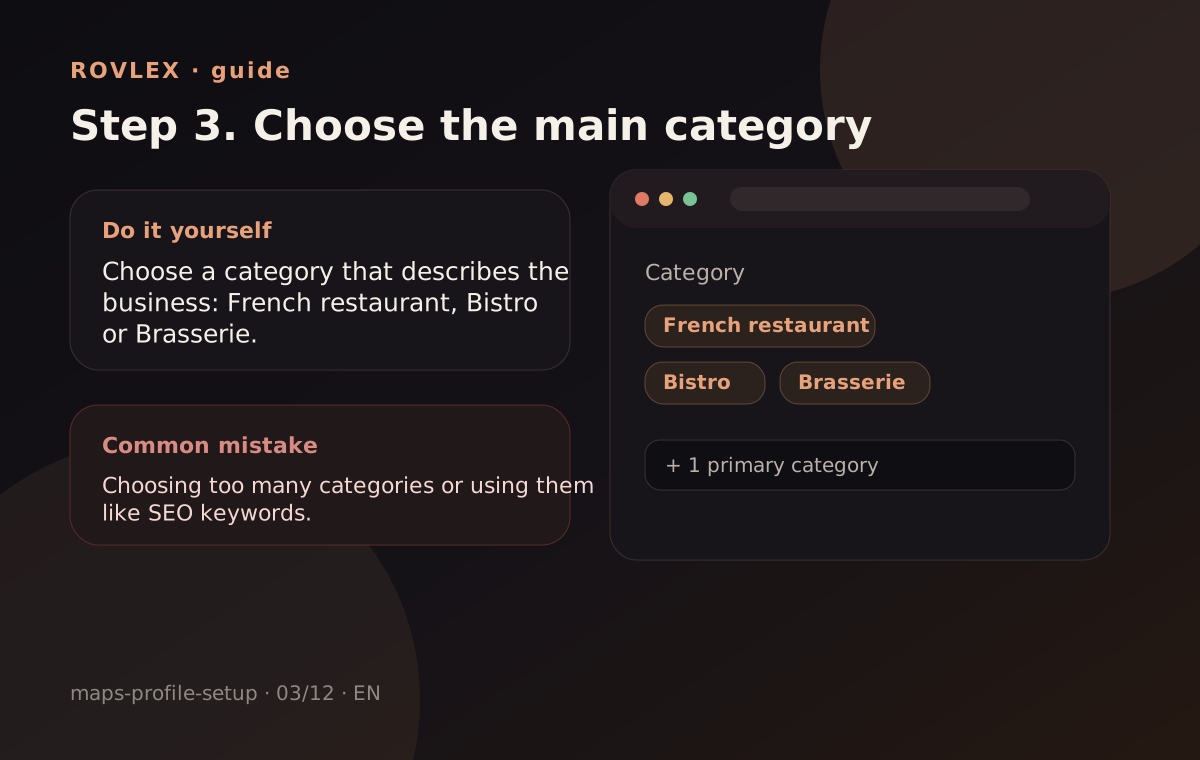
Pick the primary category people search for (e.g. French restaurant).
Where people go wrong
Wrong category reduces visibility in relevant searches.
Step 4
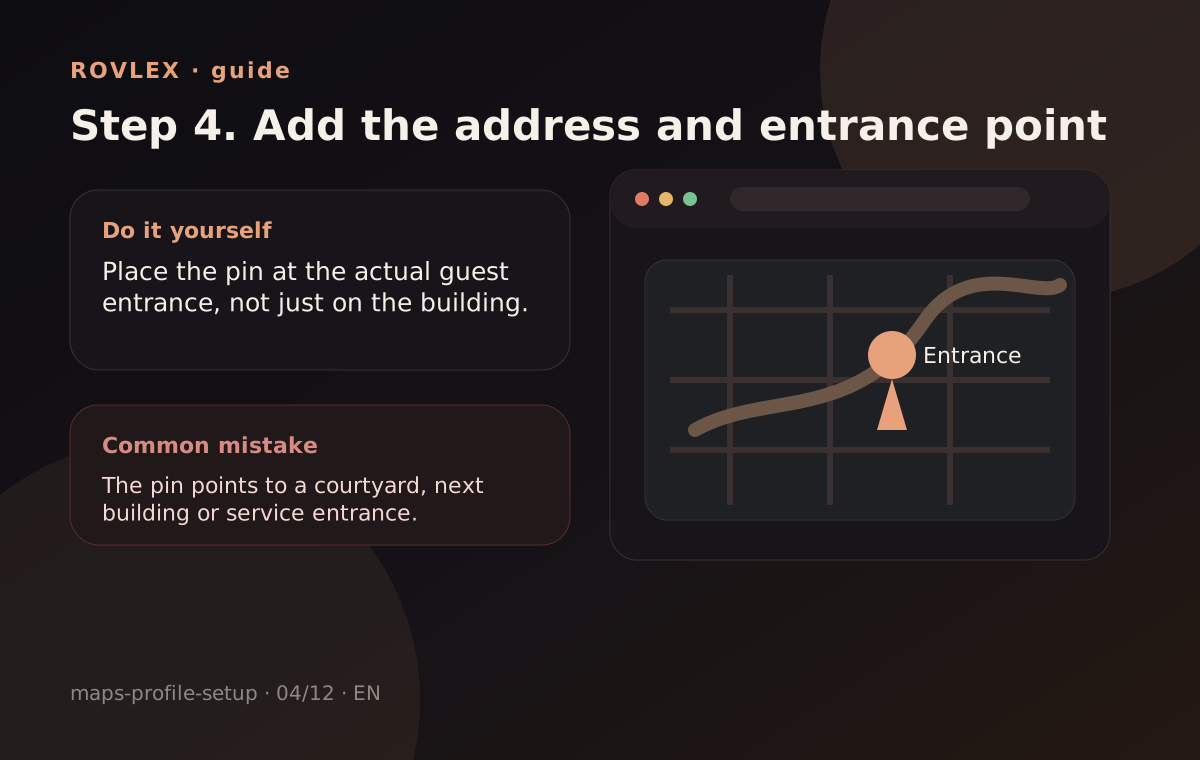
Set the exact address 12 Rue des Lombards, Paris and delivery/service area if needed.
Where people go wrong
Wrong map pin means lost foot traffic and complaints.
Step 5
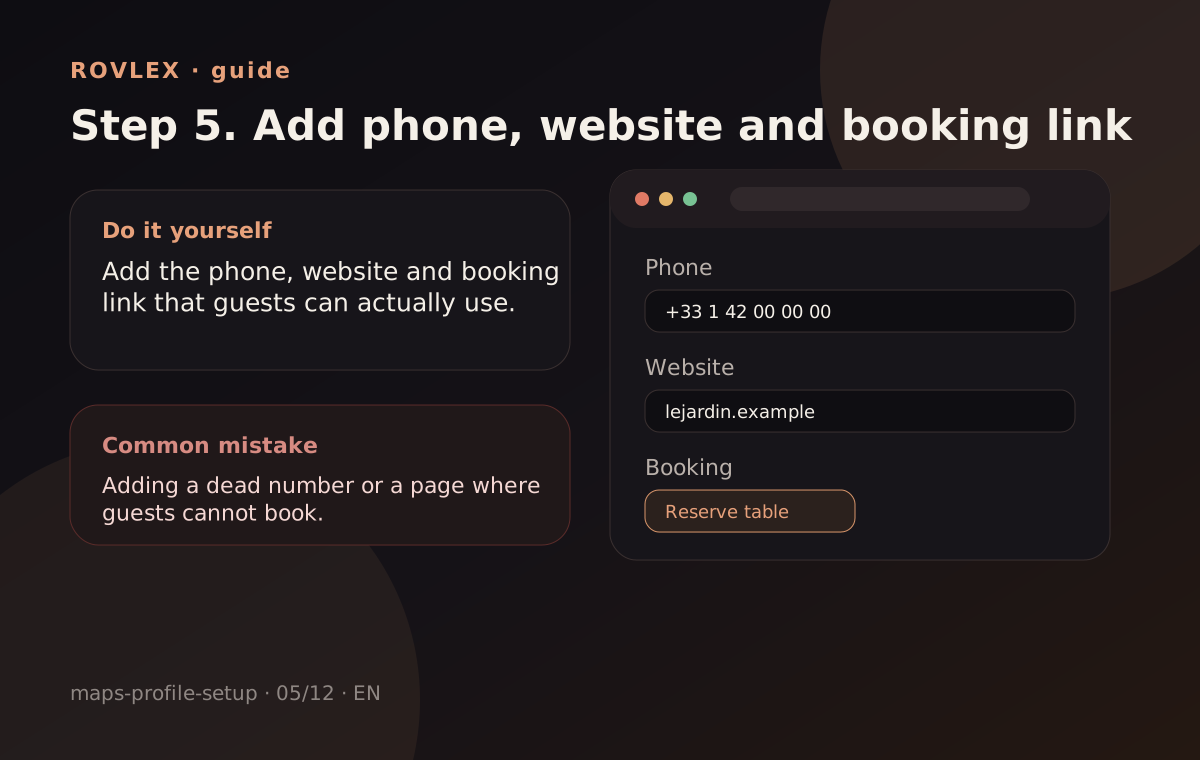
Add phone, website and messaging that actually respond.
Where people go wrong
Dead phone numbers or broken links hurt trust.
Step 6
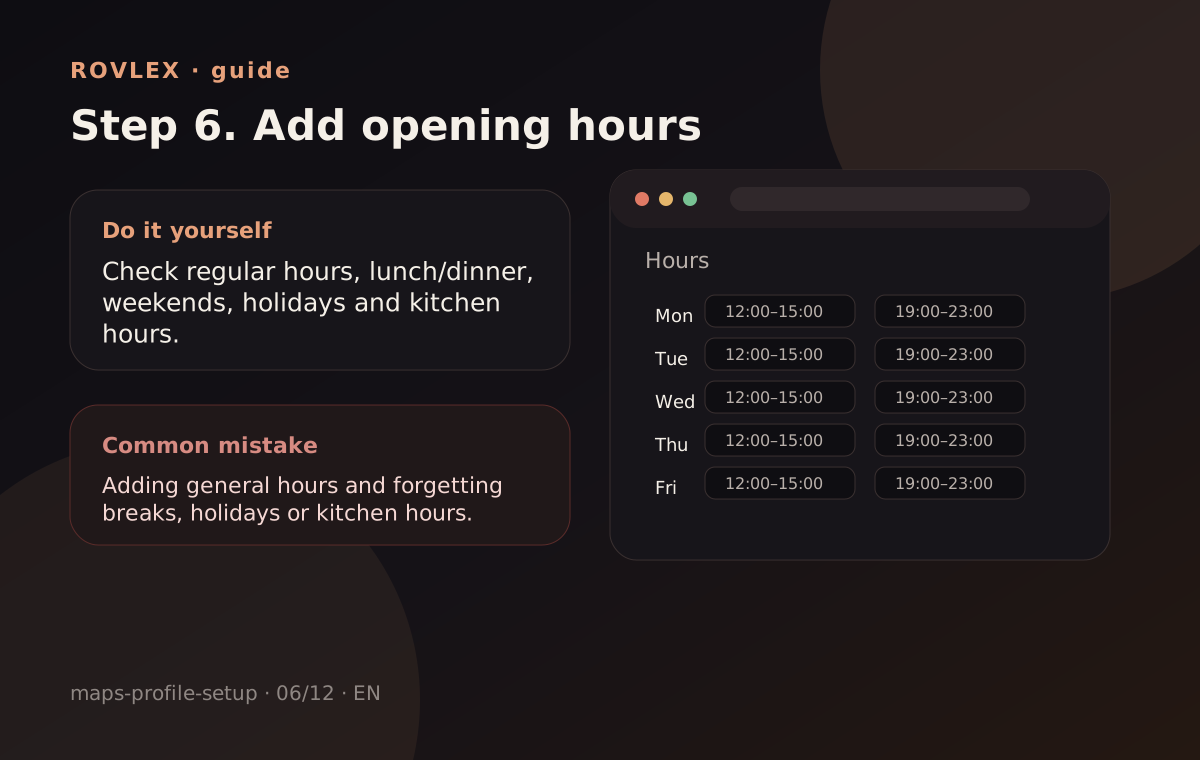
Fill regular hours and holiday exceptions.
Where people go wrong
Hours that don’t match reality are a top complaint.
Step 7
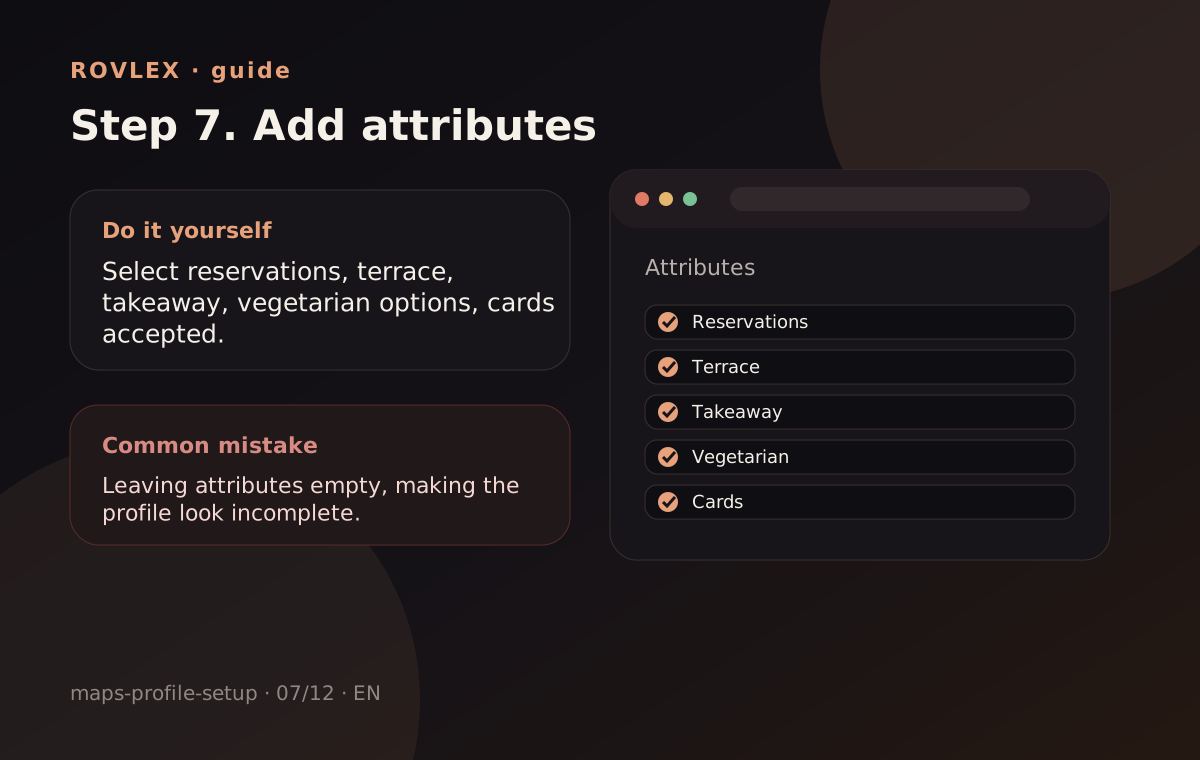
Mark Wi‑Fi, terrace, reservations, accessibility — what guests care about.
Where people go wrong
Empty attributes look like an unfinished profile.
Step 8
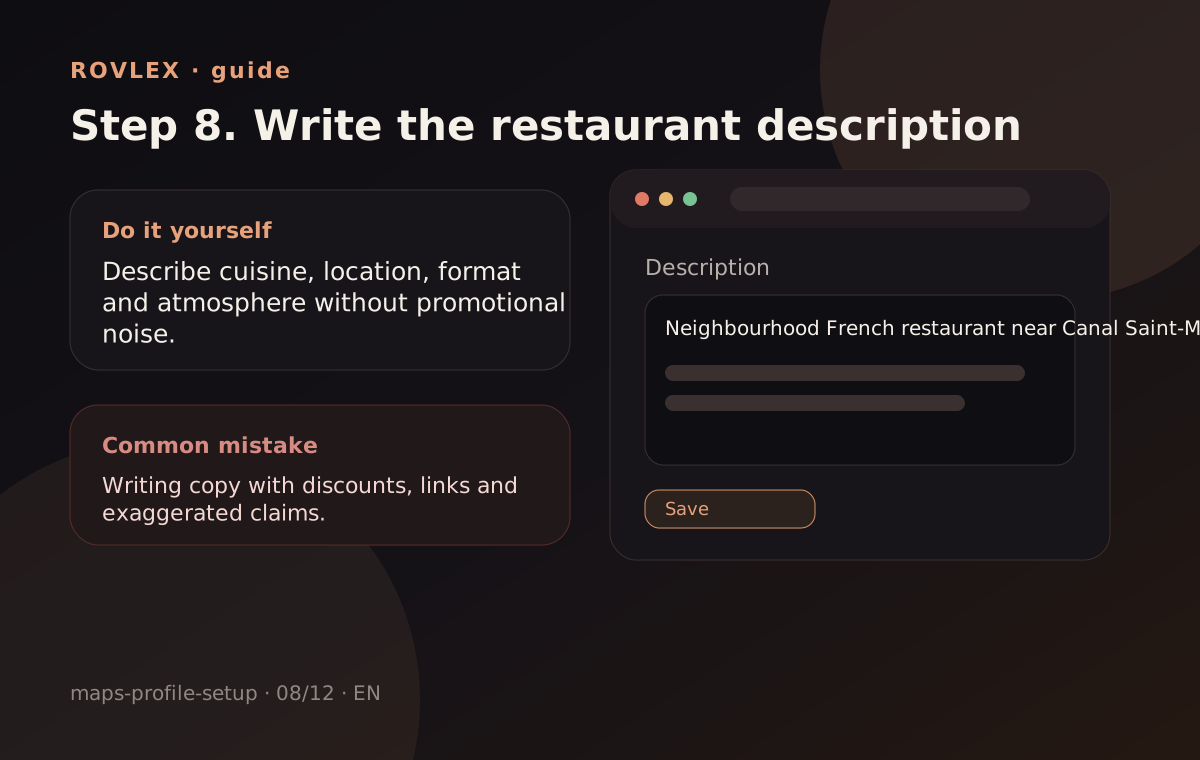
Short story: cuisine, vibe, who it’s for. 2–3 paragraphs, no rating guarantees.
Where people go wrong
Copy-paste from competitors or “guaranteed #1” claims.
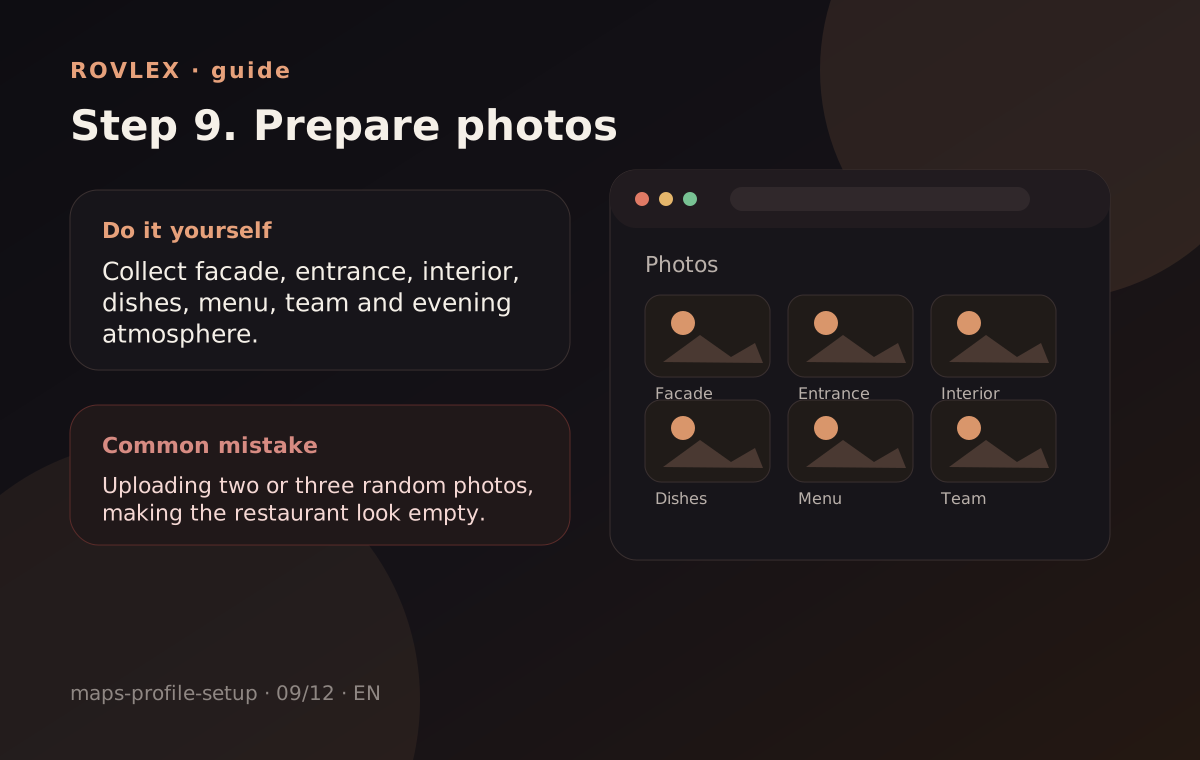
Step 9
Cover + interior + dishes + team. At least 8–10 current shots.
Where people go wrong
Stock or blurry photos reduce trust.
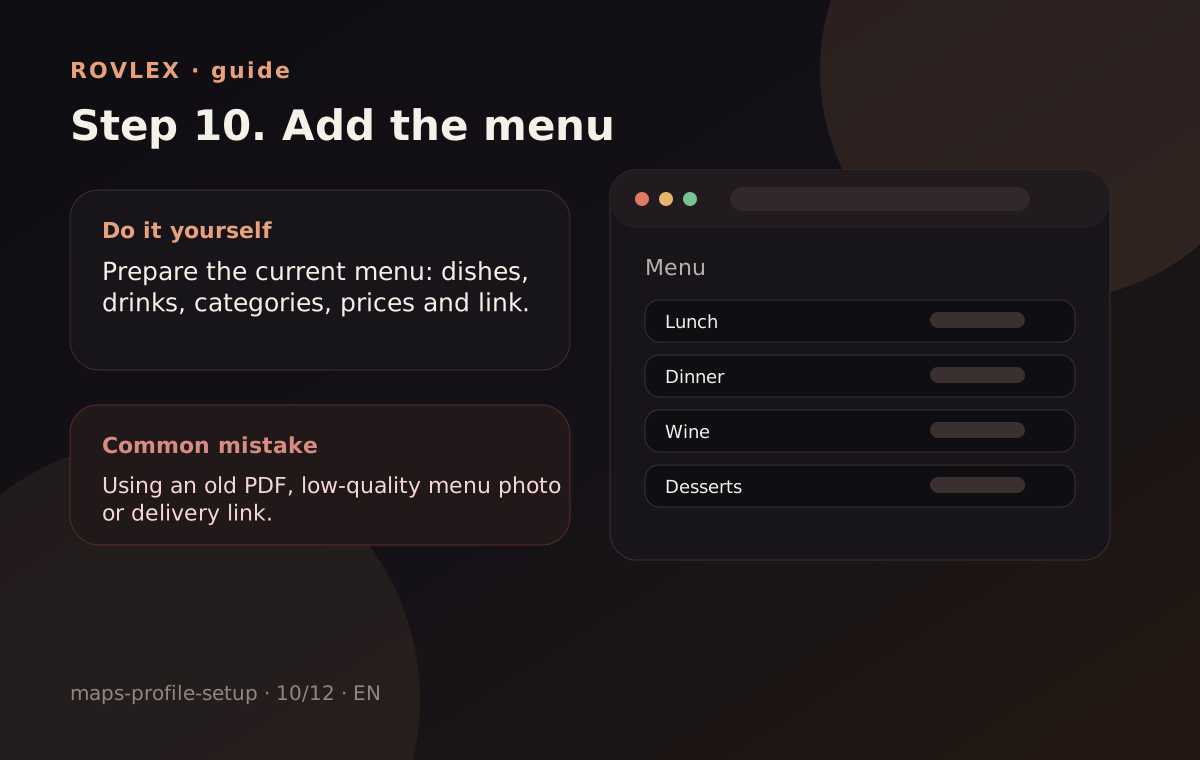
Step 10
Add menu items or services with prices where the platform allows.
Where people go wrong
Empty menu for an active restaurant looks abandoned.
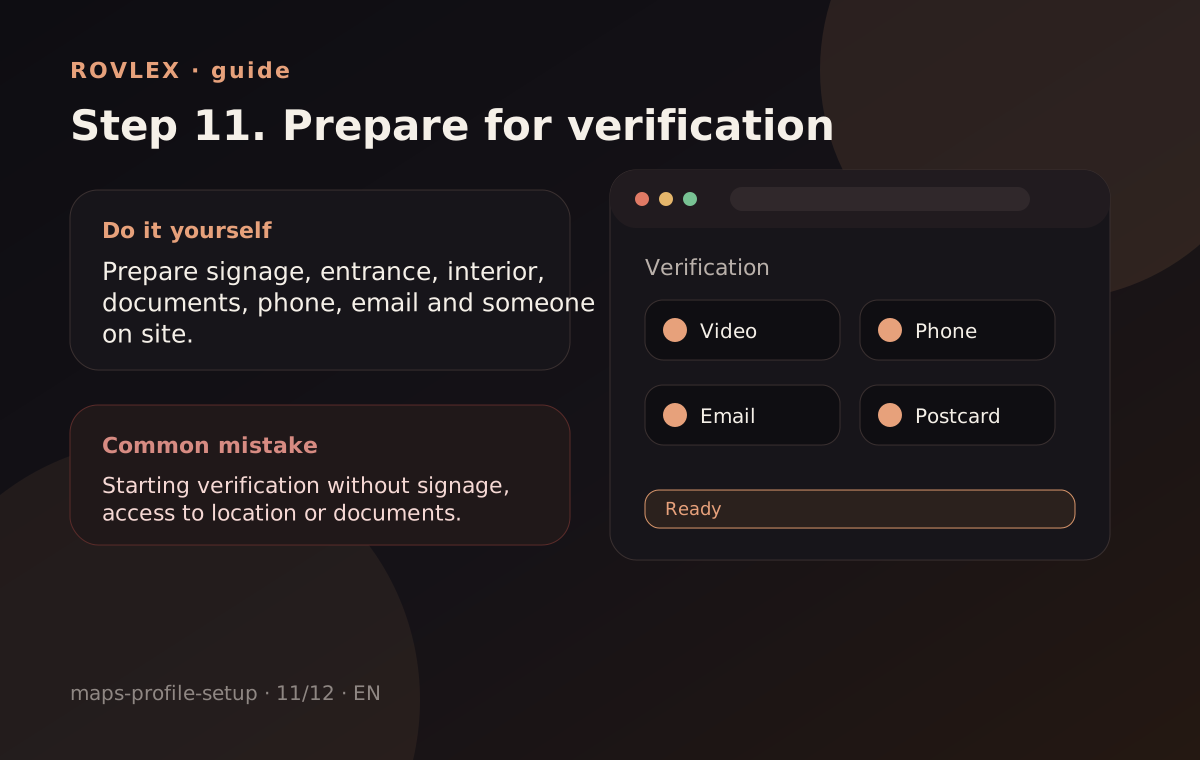
Step 11
Prove ownership via postcard, call or platform documents.
Where people go wrong
Delaying verification risks losing the listing.
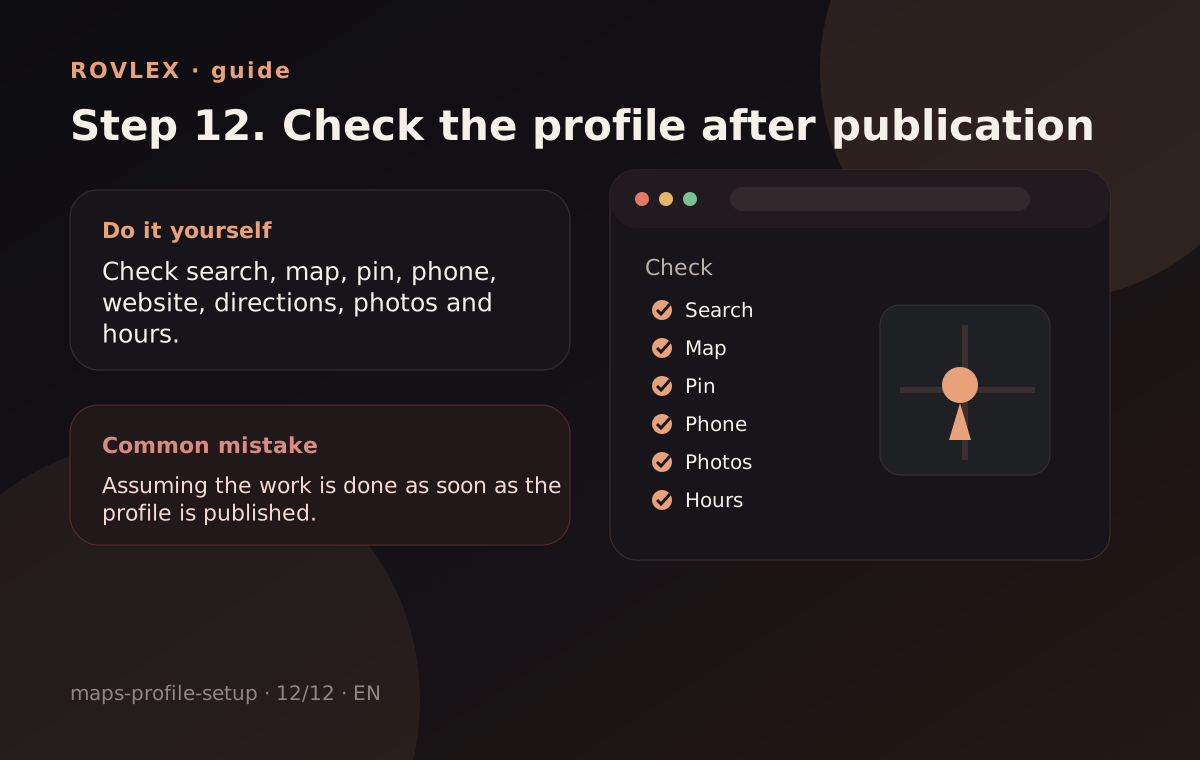
Step 12
Open the listing in search and on mobile; test directions, CTA and hours.
Where people go wrong
Skipping mobile preview — most traffic is mobile.
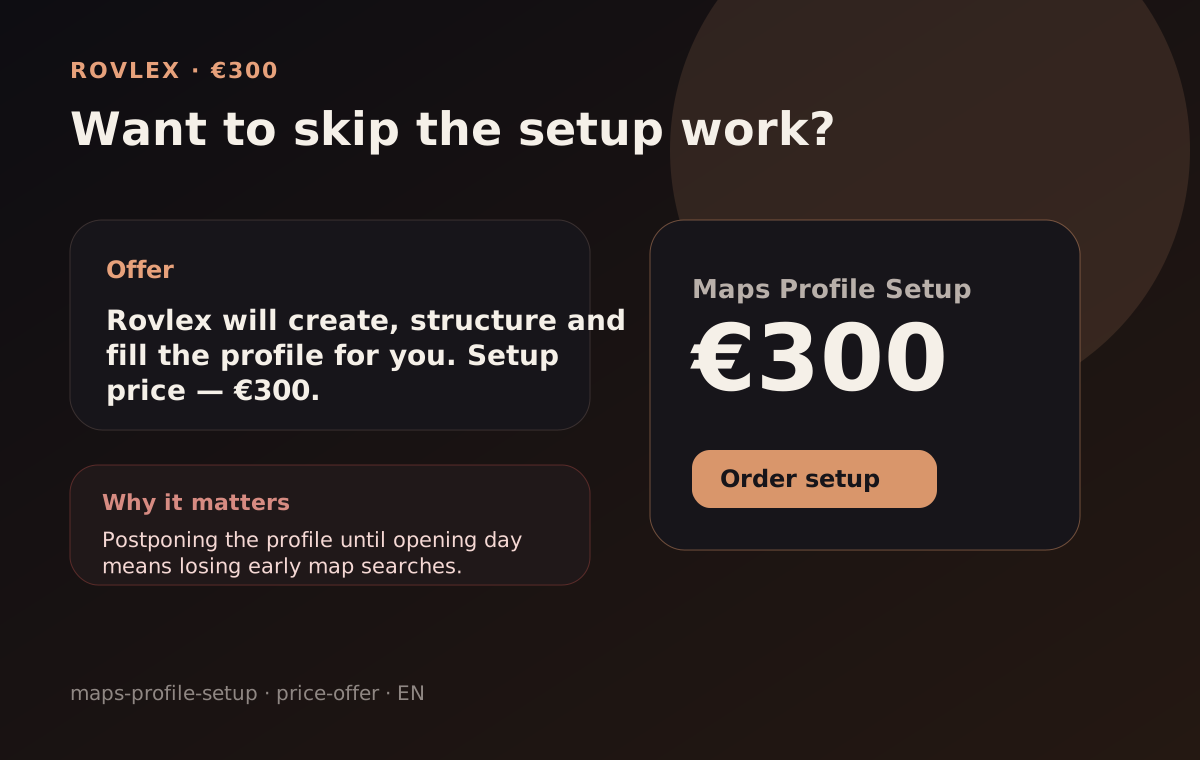
€300
One location, standard scope: Google Maps profile + core field sync. Yandex / 2GIS — discuss as add-on, not separate checkout in v1.
Order setupCreating the profile is only the first step. To help it attract customers, it needs regular improvement: correct data, fresh photos, real customer reviews, monitoring and owner replies.
ROVLEX helps improve the listing, build a compliant flow for real customer reviews, monitor new reviews, prepare replies and show what customers praise or complain about most often.
As a result, your profile looks active, complete and more trusted when people compare you with nearby competitors on the map.
Typically 5–10 business days after we receive access and materials.
No. We set up the profile correctly; ratings depend on guest experience.
Google Maps in the base package. Yandex / 2GIS can be discussed separately.
Fixed price for one location — white-zone checkout on ROVLEX.
Order for €300Profile setup only. We do not sell reviews or guarantee map rankings.